
A console that overheats, refuses to read discs or shows a blank screen is frustrating, and the right next step is not always obvious. If you would like to compare notes with a local service page, you can read about PS4 Repair Dubai before deciding what to do with your own unit. The sections below cover the checks most owners can safely try first.
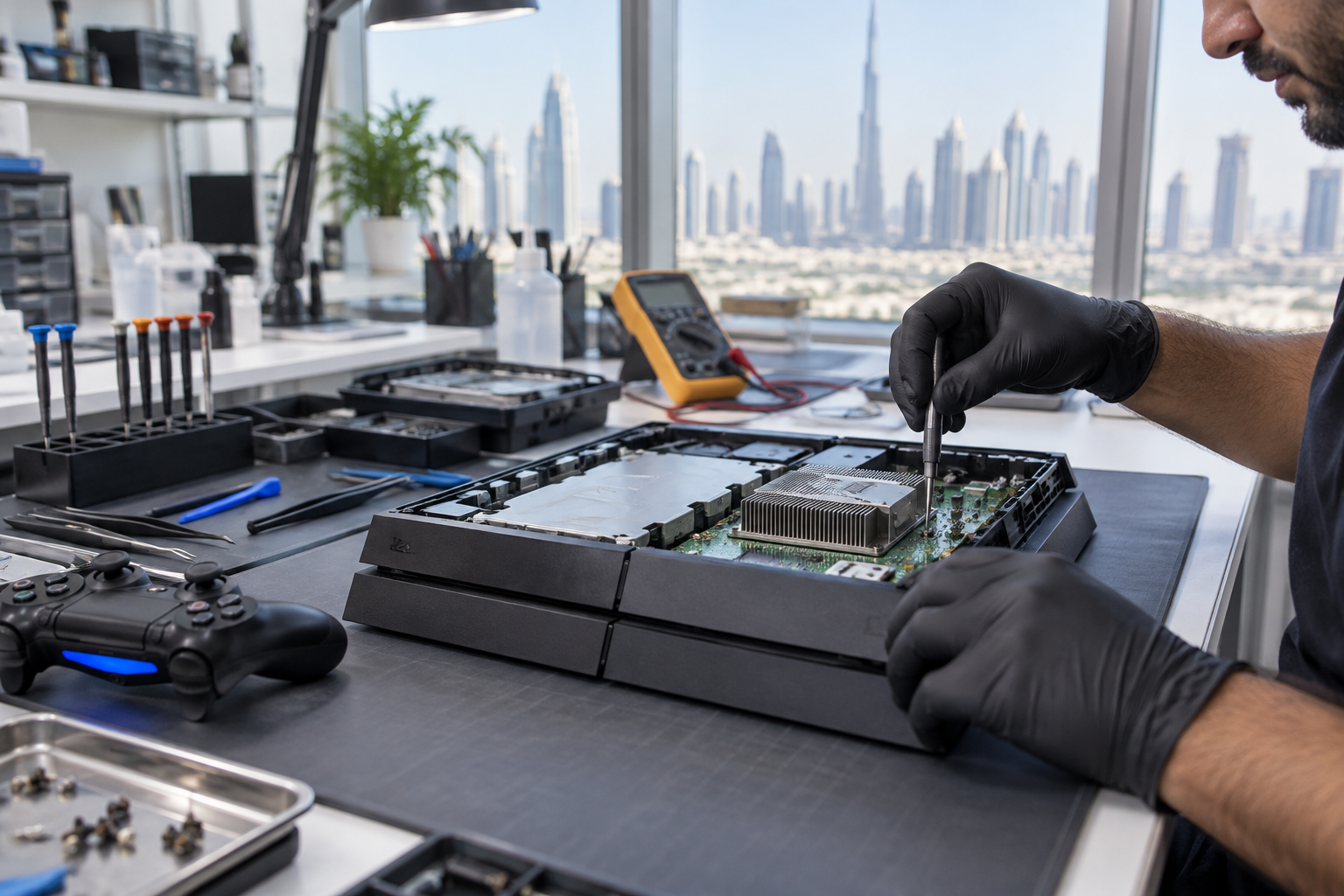
Overheating and loud fans
Dust is the usual culprit. In a warm climate, a console tucked inside a cabinet can run hot enough that the fan spins at full speed for hours. Move it into open air, keep the vents clear, and wipe away visible dust from the outside with a dry cloth. If the system still shuts itself off after a few minutes, internal cleaning or a fresh thermal paste application may be needed, and that is work for someone with the right tools.
No picture or no signal
- Try a different HDMI cable and a different HDMI port on the TV.
- Check the TV input source and test the console on another screen if you can.
- Hold the power button until the second beep to boot into Safe Mode, then choose the option to change the resolution.
If the console powers on but never shows an image on any screen, the HDMI port on the console itself may be damaged.
Disc drive trouble
Discs that will not load, get ejected, or make grinding noises can point to a worn laser or a mechanical fault in the drive. Test more than one disc first, since a single scratched game can mimic a drive problem. Digital games are unaffected, which helps you tell the difference.
Storage and software errors
Slow loading, freezing, or repeated error codes sometimes come from a failing hard drive. Back up your saves to cloud storage or a USB drive while the console still works. A hard drive swap is a common repair, and a technician can also tell you whether a software reinstall would be enough.
Blinking blue light or no power
A pulsing blue light that never turns white usually means the console is trying to start and failing. Unplug the power cable, wait a few minutes, and try a different wall socket without a surge strip. Check the cable for kinks or a loose connector. A console that does nothing at all, with no light and no fan, may have a failed internal power supply, which is not something to open at home because it carries mains voltage.
What Safe Mode can do
Safe Mode is a recovery menu that starts the console with minimal software. From there you can change the video resolution, rebuild the database (which reorganizes the drive without deleting saved games), or restore default settings. Rebuilding the database is a sensible step for a console that freezes or runs slowly after years of use. The initialization options erase data, so only choose them once your saves are backed up.
Controllers, USB ports and Wi-Fi
Many problems blamed on the console come from accessories. If a controller will not pair, connect it with a USB cable and press the small reset button on its back with a pin. If one USB port is dead, try another before assuming the console is at fault. For slow or dropping Wi-Fi, a wired network cable is a quick test: if downloads become stable, the console is probably fine and the wireless signal is the issue.
Repair or replace?
The PlayStation 4 is an older console, and some faults cost little to fix while others, such as a damaged mainboard, can approach the price of a used replacement. A fan, a hard drive or a thermal paste service are usually the lighter jobs. Ask for the faulty part to be named, compare that quote with the price of a used console in good condition, and decide with the full figures in front of you.
Before you hand it over
- Back up saved data and sign out of your account.
- Note the symptoms and when they started, including any error codes.
- Ask for a written quote and a clear description of what will be replaced.
- Keep the power cable and any accessories related to the fault.
Repair outcomes depend on the console's condition. Ask any provider for a diagnosis before agreeing to a price, and confirm warranty terms in writing.
Contact and location
F2 Technologies LLC
Millennium Plaza Hotel Tower, Office: 1819 Tamani Arts, Business Bay, Dubai
Phone: +97145864033
Email: info@uaetechnician.ae